1. Add it to the Doc
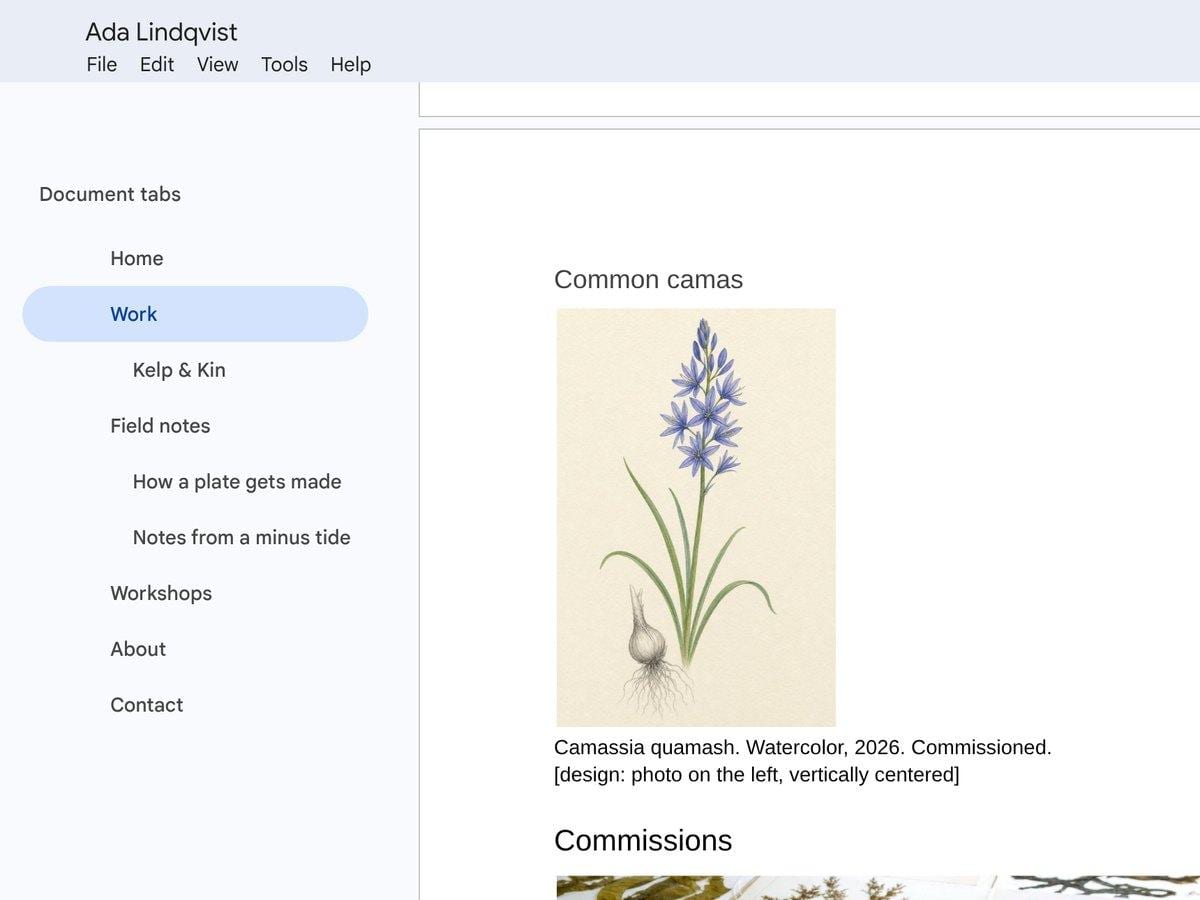
Ada adds a heading, a photo of the plate and one line about it under Plates, in the Work tab of her Doc.

Your personal website lives in a Google Doc. Change your bio or add a new piece of work there, check the preview, and publish when you're ready.
Free for up to 3 sites, no card needed.
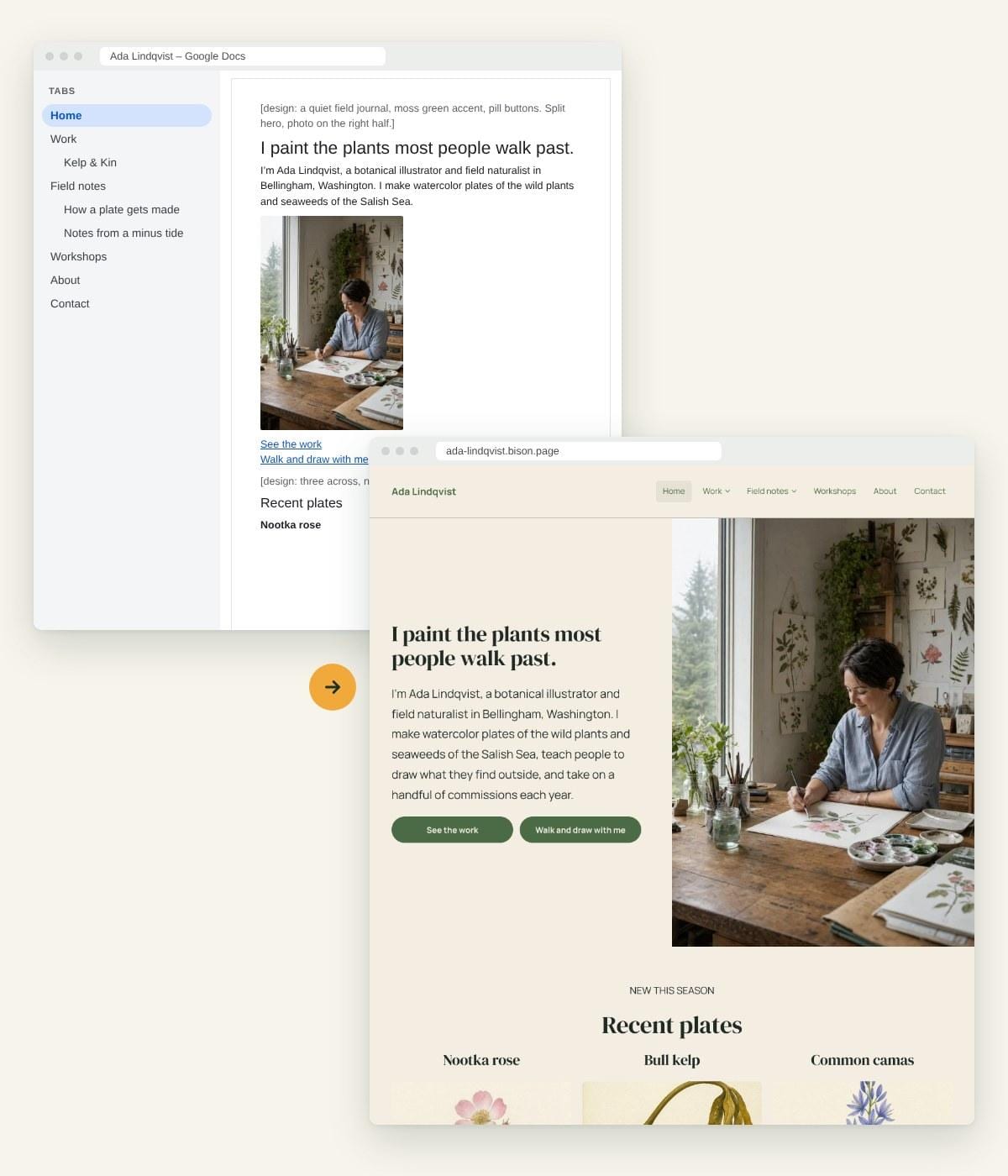
Here's Ada Lindqvist, a made-up botanical illustrator, putting her newest plate, Common camas, on her Work page.
Ada adds a heading, a photo of the plate and one line about it under Plates, in the Work tab of her Doc.
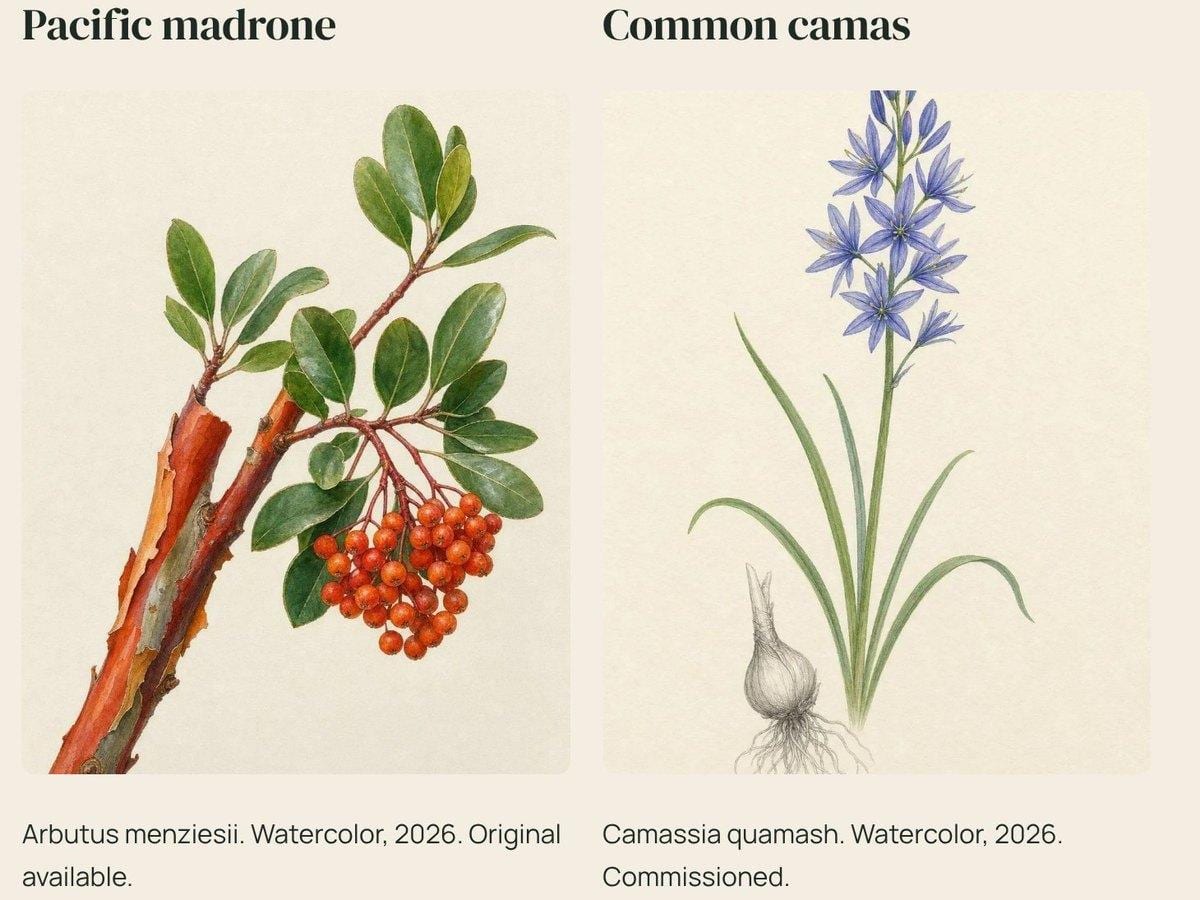
She updates the preview in PageBison and sees the camas plate in the grid, sized and cropped like the others. Her live site stays as it was.
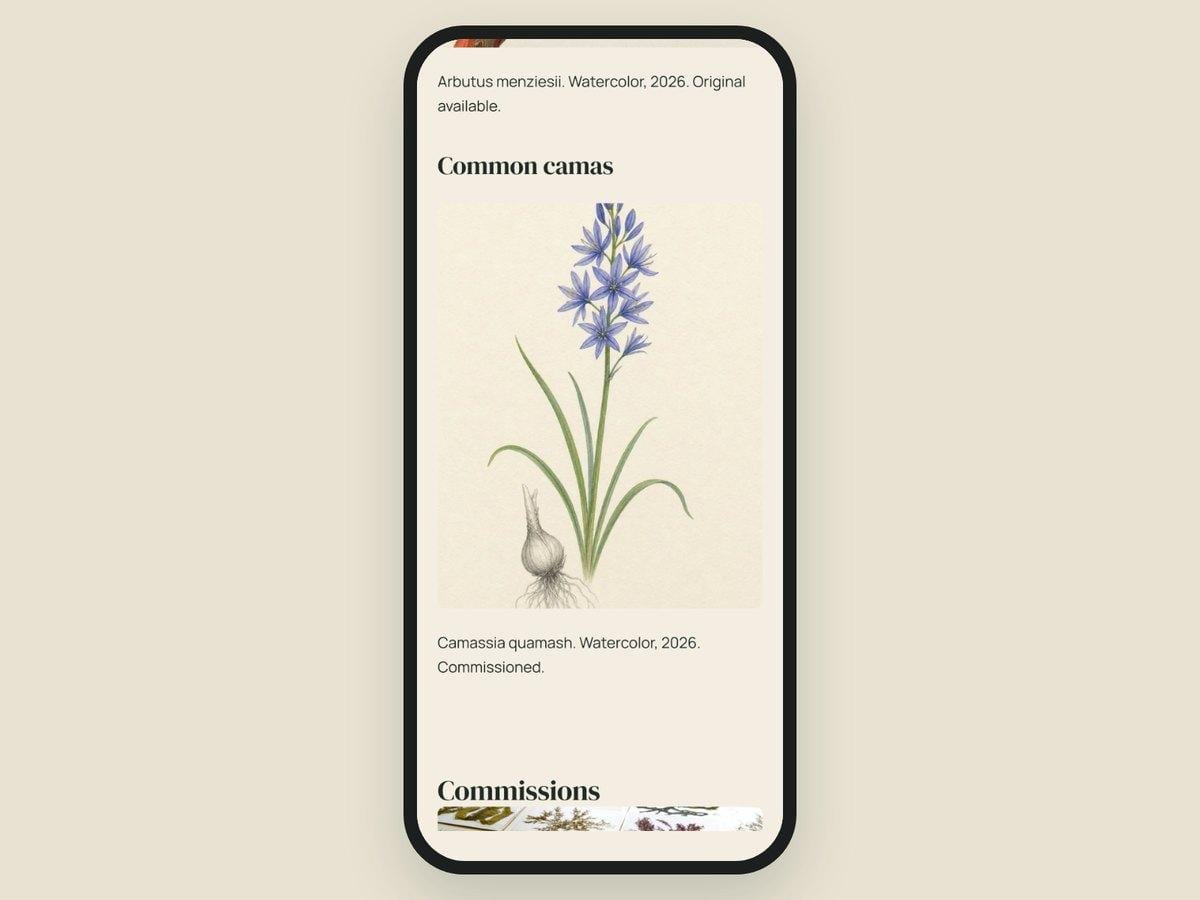
She publishes, and the new plate is on her site the same afternoon, laid out for phones too.
Headings, photos and lists are enough. Ada's whole site is a plain Doc with a few notes in brackets about the look.
Start free at yourname.bison.page, and move to the Site plan to use yourname.com.
Messages from the form are emailed to you and kept in Responses, so your email address doesn't have to be on the page.
Your words stay in your Google Doc, and you can download the whole site as files from Settings, on any plan.
Everything on Ada's site, from her plates and field notes to her workshop dates and contact form, comes from one plain Google Doc. Open both and compare.
One tab in your Doc makes a one-page site. Start with this, top to bottom:
When it outgrows one page, add a tab for Work or About, and each becomes its own page.
It's free for up to 3 sites on bison.page, with no card needed, and $60 a year or $9 a month for a site on your own domain. Sign in with Google, then pick a Doc you already have, start a new one, or bring your current site.