1. A volunteer changes the Doc
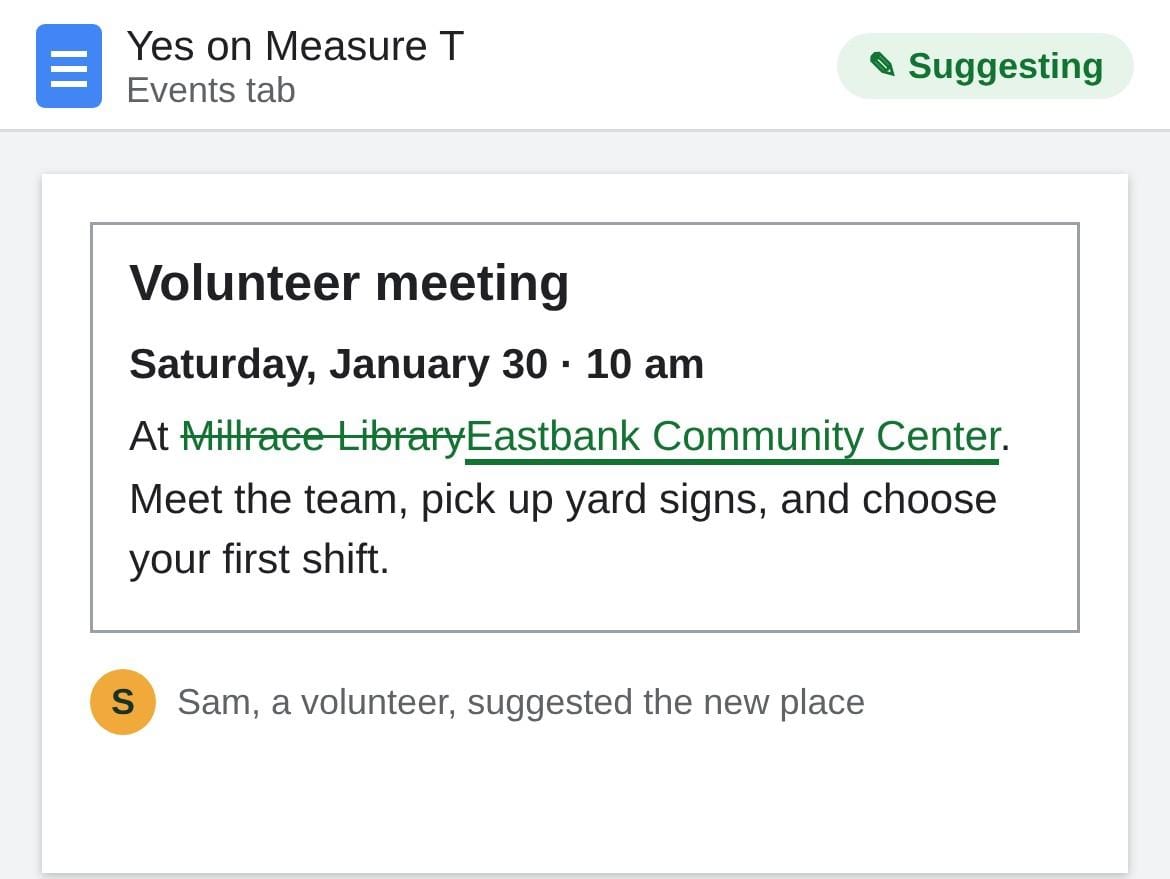
Anyone you share the campaign's Google Doc with can change “Millrace Library” to “Eastbank Community Center,” or suggest it for you to accept.

A free campaign website builder for school board, city council, county, judicial and ballot measure campaigns. Write your pages in a Google Doc, and PageBison designs and hosts the site. Volunteers help keep it current, and you decide what goes live.
Free on bison.page, no card needed. $9 a month on your own domain. Open to any party and any office.
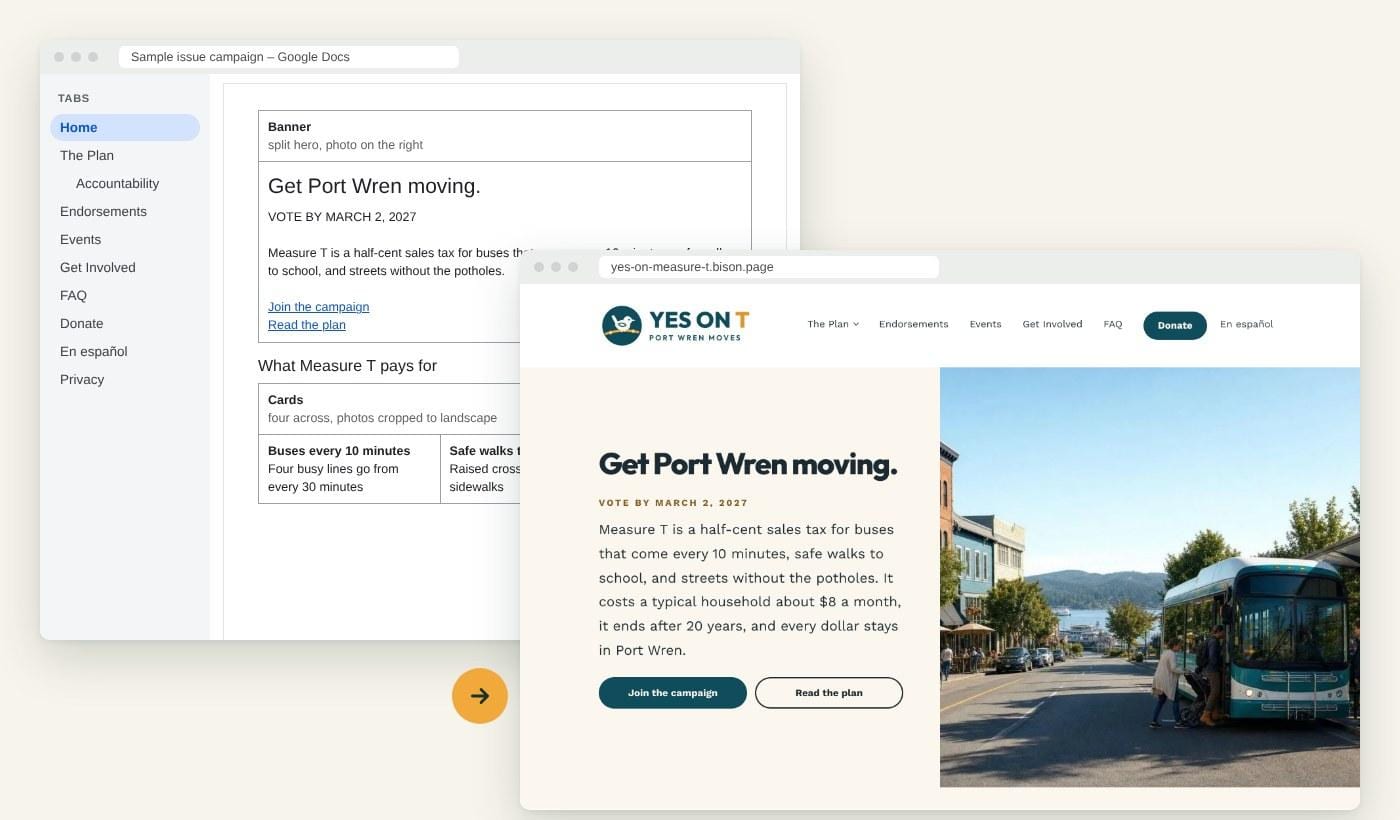
to start, on yourname.bison.page
a month on your own domain. Cancel after election day.
for each extra editor. Anyone you share the Doc with can help.
Copy the outline on this page into a Google Doc. Fill in your name, the office and why you're running. Each tab becomes a page.
Sign in to PageBison with Google and choose the Doc. Check every page in the preview, then publish to yourname.bison.page or your own domain.
A new endorsement, a debate date, a meeting that moved. Whoever hears first changes the Doc. You check the preview and publish.
Put the election date and a link to where to vote in a bar above every page.
Post your thank-you. Download the site and your sign-up lists, keep the Doc for the next race, and cancel a monthly plan when you're done.
Anyone you share the campaign's Google Doc with can change “Millrace Library” to “Eastbank Community Center,” or suggest it for you to accept.
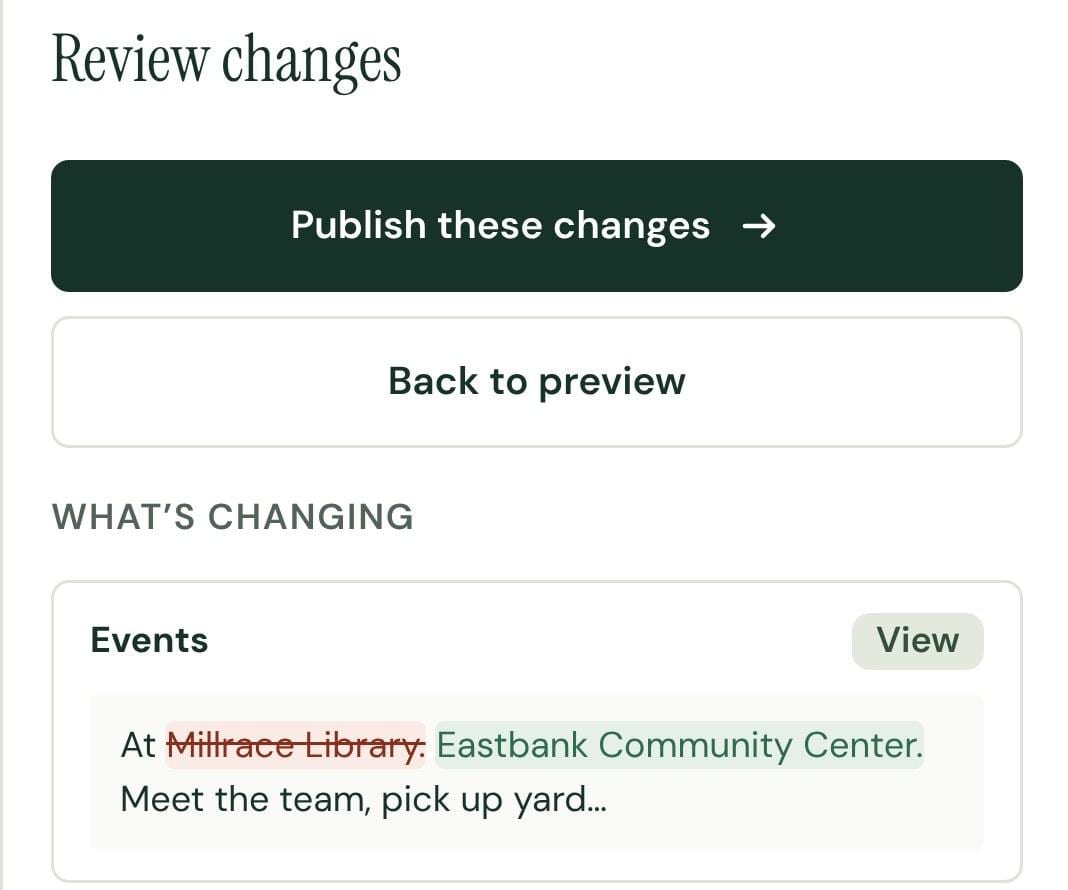
Signed in to PageBison, you update the preview and see exactly what changed. Your live site stays as it was.
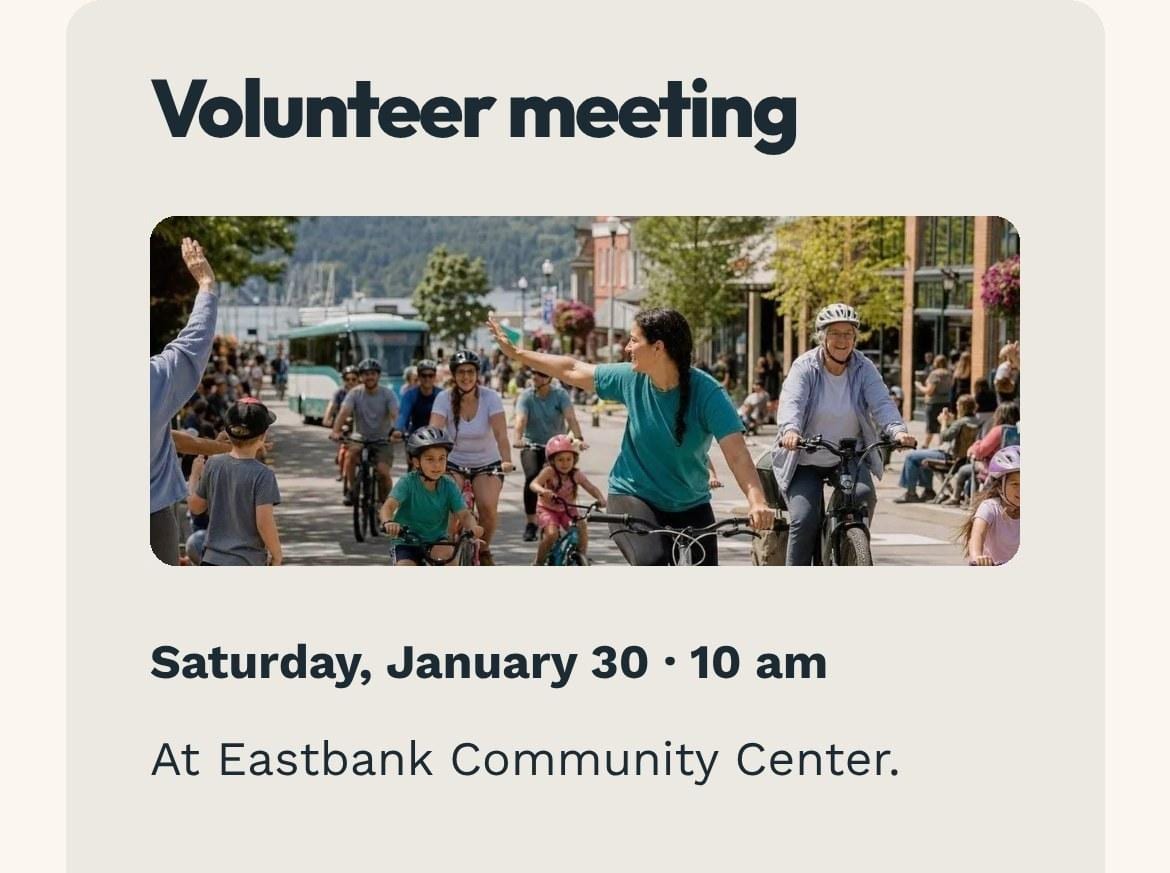
When it looks right, publish, and supporters see the new place on their phones. Changed your mind? Put the earlier version back.
Anyone on the Doc can write and suggest. Only the site's owner, signed in to PageBison, decides when a change goes live.
Share the Doc with staff and volunteers the way you already do. They can edit or suggest changes, and nothing goes live until you preview it and publish.
Add a volunteer, yard sign or RSVP form with a short list in your Doc. Each sign-up is emailed to the people you choose and kept in Responses, and the whole list downloads as a spreadsheet. Write “Mobile (texts ok)” and the form adds a consent box for text messages.
Link a Donate button to your page on ActBlue, WinRed, Anedot or the tool you already use. PageBison never touches the money. It tags each ActBlue or WinRed link with the page it's on, so their reports show where each gift came from, and it checks your links every day.
Start a line in your site's footer with “Paid for by” and PageBison sets it apart in a box. The footer shows on every page. You supply the wording your election office requires.
List each event's day, time and place. A Map table shows the address on a map with a Get directions button, and a short form takes RSVPs.
Put one line above every page, like the election date with a link to where to vote.
Write a tab in Spanish and add a Language: Spanish line, and that page's buttons and form labels switch to Spanish.
A site on your own domain is $9 month to month, so a campaign that runs six months pays $54. Or $60 a year, with receipts your treasurer can file.
With PageBison, a campaign site on your own domain costs $9 a month or $60 a year, and a site on a bison.page address is free. A six-month race comes to $54, plus what your registrar charges for the domain. The same six months cost $120 to $174 at four other builders. Here is the cheapest plan with your own domain at each. We read each price on the company's own site on November 24, 2026.
| Builder | A month | Who can edit on that plan |
|---|---|---|
| PageBison | $9 | Anyone you share the Doc with |
| ActBlue Website Builder | $20 | Not stated |
| Online Candidate | $29 | Not stated |
| Campaign Partner | $29 | One admin account |
| Squarespace | $25 | Two people |
Those builders include things PageBison doesn't. ActBlue and Campaign Partner take donations on the site, and Online Candidate and Campaign Partner include a domain name. PageBison links your Donate button to the tool you already use, and you bring your own domain. See the full cost comparison.
Yes on Measure T is a made-up example: a ballot measure campaign in a made-up city. Its plan, endorsements, events, volunteer and RSVP forms, Donate page and Spanish page all come from one Google Doc, with a tab for each page.
Copy this outline into a new Google Doc. Each name in bold is a tab, and each tab becomes a page. To start from a finished one, open the Yes on Measure T Doc, choose File, then Make a copy, and replace its words with yours.
Before you announce, have someone read every page on a phone and press every button. Check that the disclaimer your election rules require is in the footer. See what the FEC and four states ask for.
Yes. A PageBison site at yourname.bison.page is free with no time limit, for up to 3 sites. It includes forms, sign-up lists, Donate buttons and version history, and it carries a small “Made with PageBison” link in the footer. Your own domain costs $9 a month or $60 a year.
On PageBison, nothing on a bison.page address, or $9 a month on your own domain plus what your registrar charges for the domain. Builders made for campaigns start at $20 to $29 a month. Compare the prices.
Who you are, the office and the election date, why you're running, how to volunteer, how to donate, where to see you next, who endorses you, and the disclaimer your election rules require. The outline on this page lists each one as a tab to copy.
It depends on the office and the state. Candidates for the U.S. House, Senate and President follow the FEC's rule, which requires a disclaimer on a campaign committee's public website. State and local candidates follow their state's rules, which differ in wording and in who is covered, so ask your state or local election office. See what the FEC and four states ask for.
Set up a page with a donation tool such as ActBlue, WinRed or Anedot, then link your Donate button to it. The tool collects what the law asks of donors and sends receipts. PageBison never handles the money. It checks the link every day and emails you if it stops working.
Yes. The site is a Google Doc, so share the Doc with anyone who should help, and they edit or suggest changes there. Only the site's owner, signed in to PageBison, can publish.
No. Any candidate, committee or ballot measure campaign can use it, in any party or none.
Yes, on the Site plan. Register the domain in the campaign's name at any registrar, so the campaign keeps it, and PageBison walks you through connecting it. A domain without the year in it can be used again for the next race.
Before you announce or file, so the first people who search your name find it. One page with who you are, the office, the election date and a sign-up form is enough to start. A site on a bison.page address can go live the day you write it.
You decide. Keep the site up to thank your supporters, or download the whole site with your messages and sign-up lists from Settings. If you pay monthly, cancel in Manage billing and the plan runs to the end of the month you paid for. Your words stay in your Google Doc for the next race.
Running for school board? See what to put on a school board campaign website.
It's free for up to 3 sites on bison.page, with no card needed, and $60 a year or $9 a month for a site on your own domain. Sign in with Google, then pick a Doc you already have, start a new one, or bring your current site.