1. Write in Google Docs
Each tab in your Doc becomes a page. Headings, photos, lists and tables work the way you'd expect, and anyone you share the Doc with can pitch in.

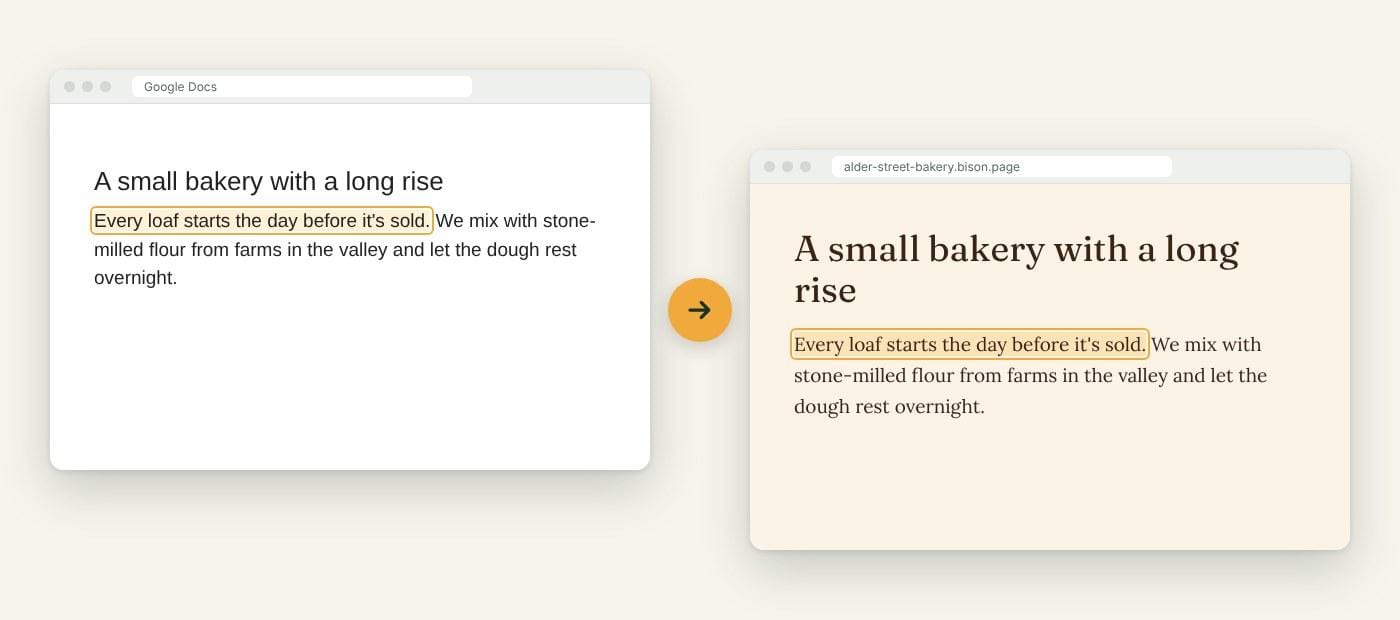
Your website lives in a Google Doc. You write it, PageBison designs and hosts it, and every change after that starts in the Doc.
Each tab in your Doc becomes a page. Headings, photos, lists and tables work the way you'd expect, and anyone you share the Doc with can pitch in.
PageBison turns your Doc into a designed site, with a big welcome banner, rows of cards, photo galleries, quotes and contact forms. You see every page before anything goes live.
Your site goes live at yourname.bison.page or on your own domain. When something changes, edit the Doc, check the preview, and publish again.
Paste your website's address and PageBison copies its pages into a new Google Doc. Preview the new site while your current one stays live, and switch your domain only when you're ready.
Add a Form table to any page for volunteers, RSVPs, a newsletter or messages. Answers are emailed to the people you choose and kept in Responses, and a sign-up list downloads as a spreadsheet.
On the Site plan, connect a domain you own, like yourname.org, with step-by-step help for your domain provider, or send the steps to whoever runs it, with no account needed.
Every version you publish is saved in Version history. Pick one and choose Restore this version to put it back live.
From Settings, on any plan, download the whole site as files you can host anywhere, with your form messages and sign-up lists as spreadsheets.
Link a Donate button to your page on ActBlue, WinRed, Donorbox, Givebutter, Zeffy, PayPal or Stripe. PageBison never touches the money, and it checks your links every day.
Add a Language: Spanish line to a tab, and that page's buttons and form labels switch to Spanish.
Pages load quickly, even on a slow connection. PageBison checks that text colors are easy to read and reminds you to describe your photos for screen readers.
PageBison only decides how your site looks: which section each part of your Doc goes in, and the layout, colors, spacing and fonts. Your text is copied straight from the Doc onto the page, so it's never reworded. What you typed is what your visitors read. If you ask for new words, like a tagline, you get a draft to read first, and nothing goes into your Doc until you keep it.
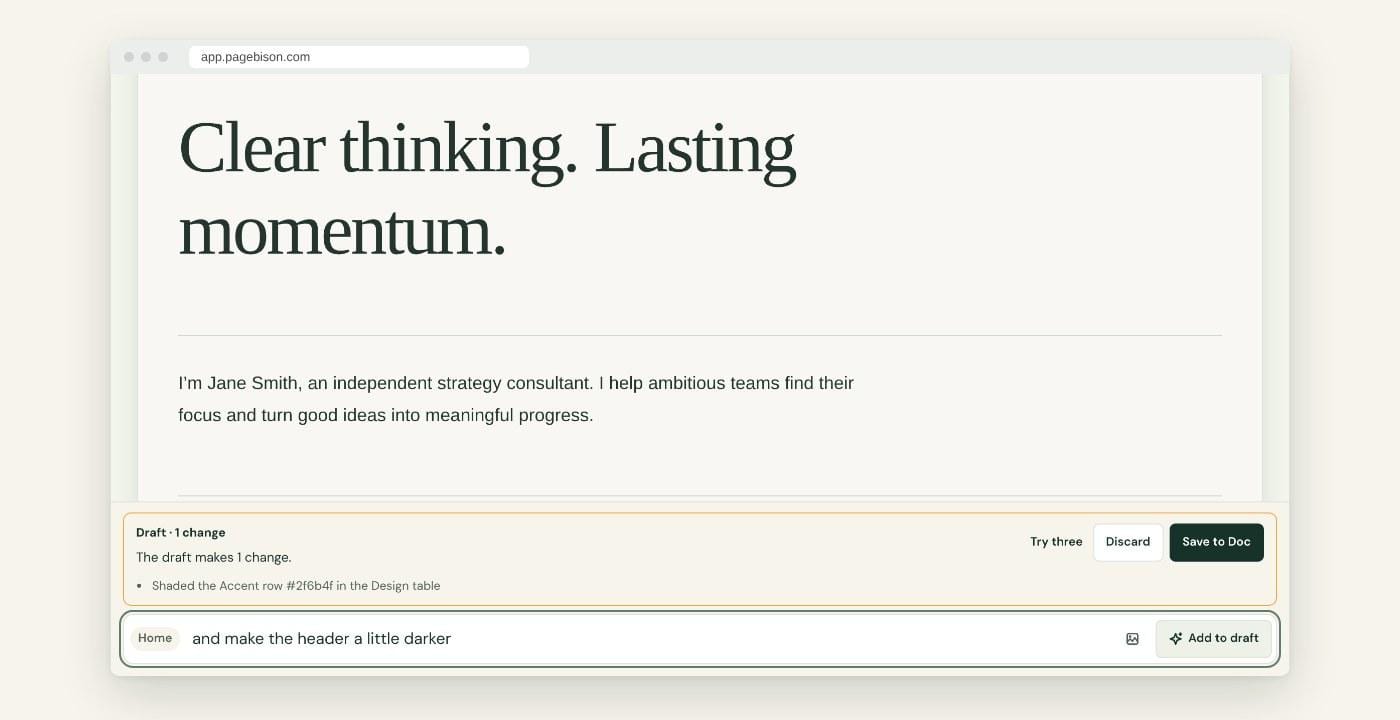
Ask for a change under the preview, the way you'd ask a designer: “make the header darker” or “put the photo on the left.” You see a draft first. Keep it, and PageBison writes the change into your Doc as a short design note you can read, edit or delete, and Undo puts it back. You can type notes like that yourself, or shade a table cell to set your brand colors. Notes never appear on your site, and if PageBison can't do something you asked for, the preview tells you.
Works with what you already use. Buttons can open your Calendly booking page, a Stripe payment link, or your donation page, and YouTube or Vimeo videos play right on the page.
Want the step-by-step? See how a Google Doc becomes a website.
It's free for up to 3 sites on bison.page, with no card needed, and $60 a year or $9 a month for a site on your own domain. Sign in with Google, then pick a Doc you already have, start a new one, or bring your current site.