1. Someone on staff changes the Doc
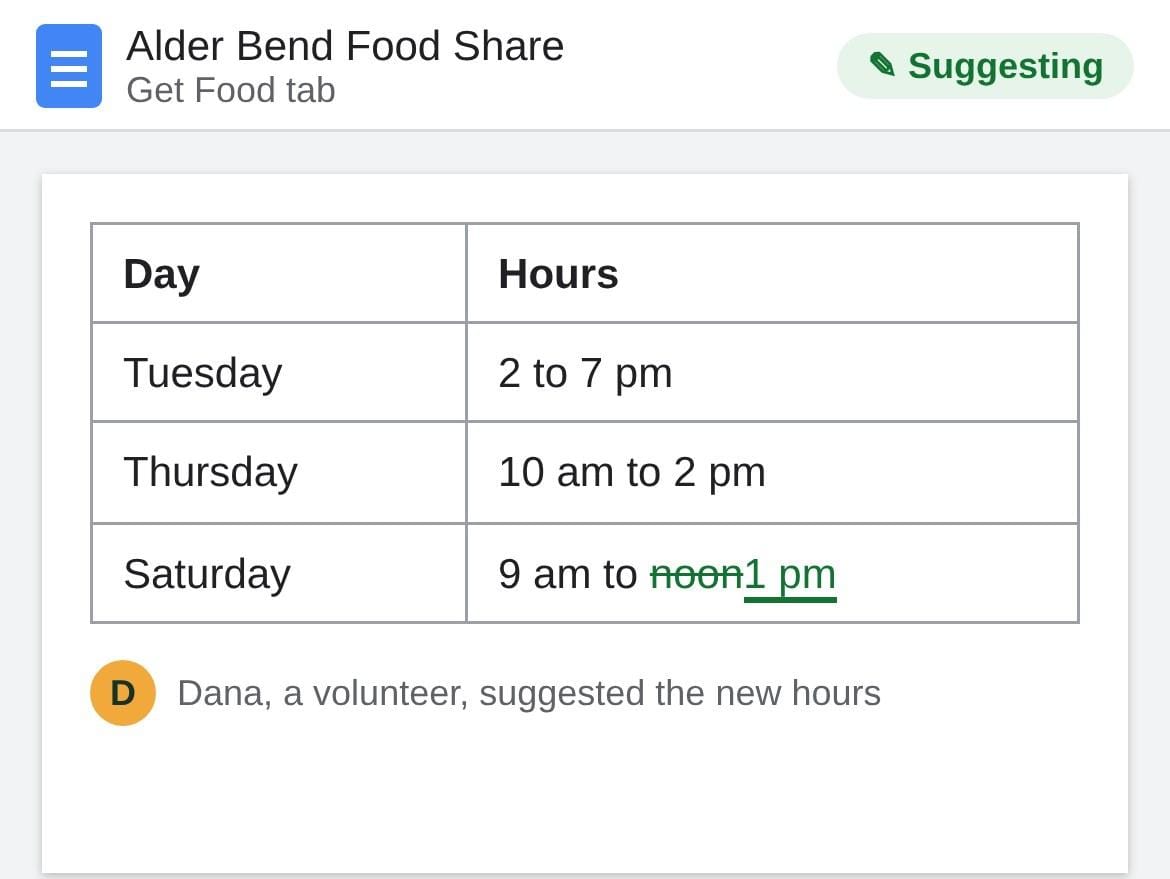
Whoever notices first changes Saturday’s “9 am to noon” to “9 am to 1 pm” in the Google Doc, or suggests it for you to accept.

Your nonprofit's website lives in a Google Doc that staff and volunteers can already edit. Change your Saturday hours there, check the preview, and publish when it's right.
Free for up to 3 sites, no card needed.
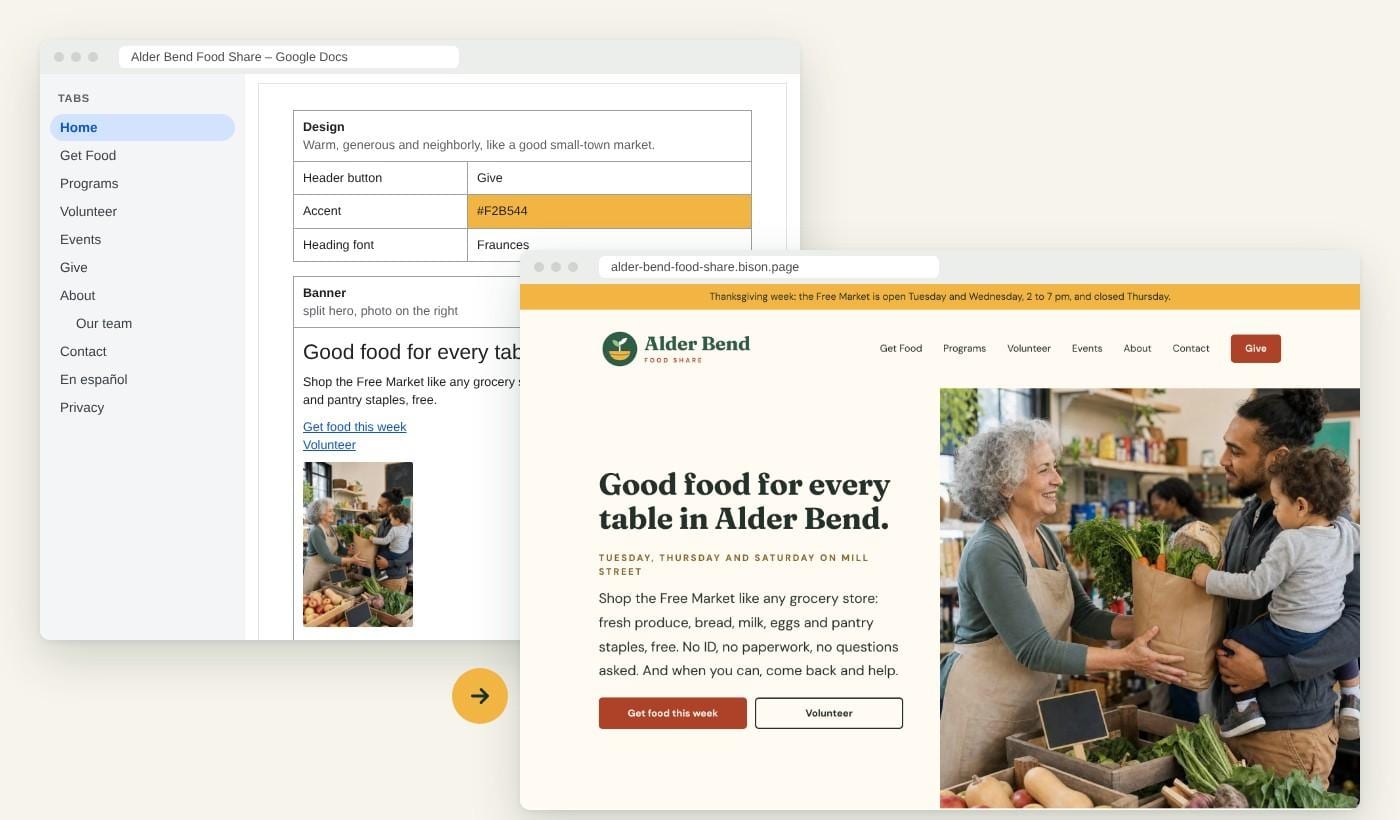
Whoever notices first changes Saturday’s “9 am to noon” to “9 am to 1 pm” in the Google Doc, or suggests it for you to accept.
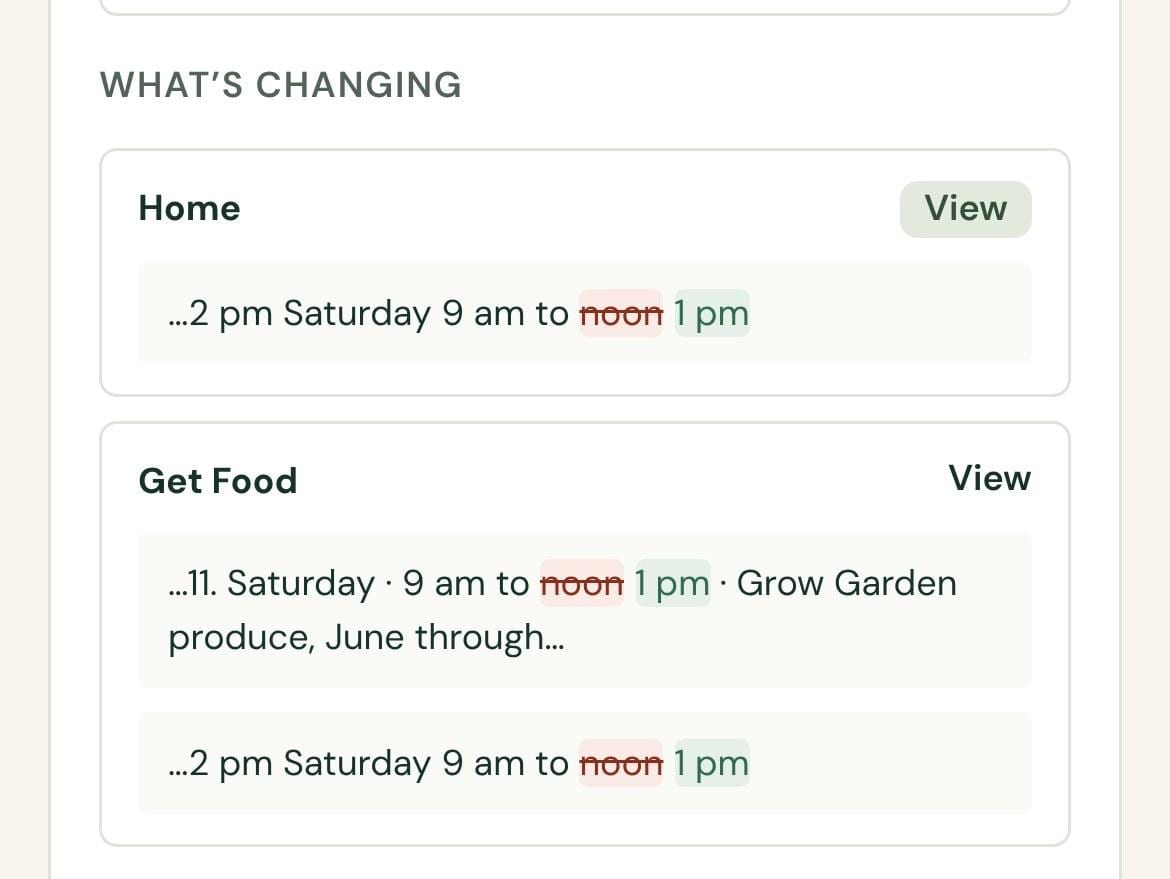
Signed in to PageBison, you update the preview and see exactly what changed, on every page that shows the hours. The live site stays as it was.
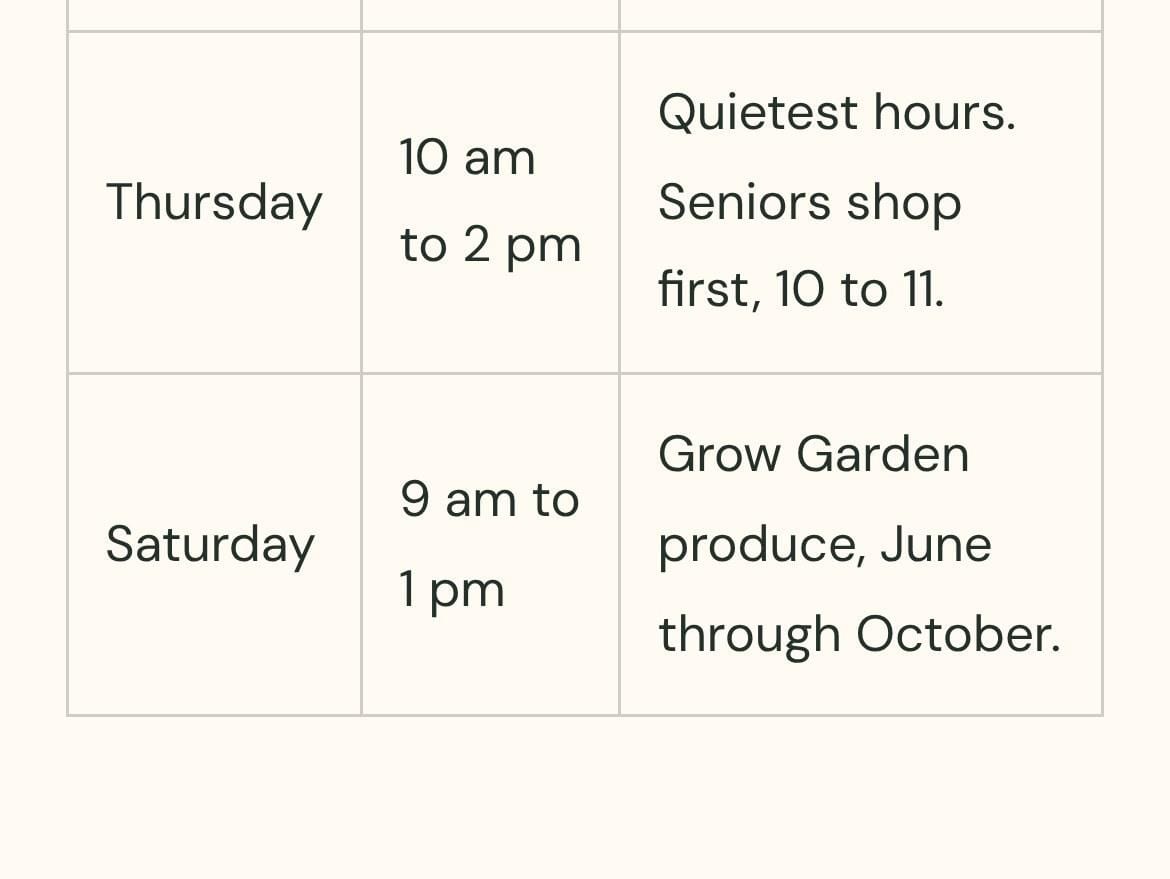
Publish, and the new hours are on the site, the same day.
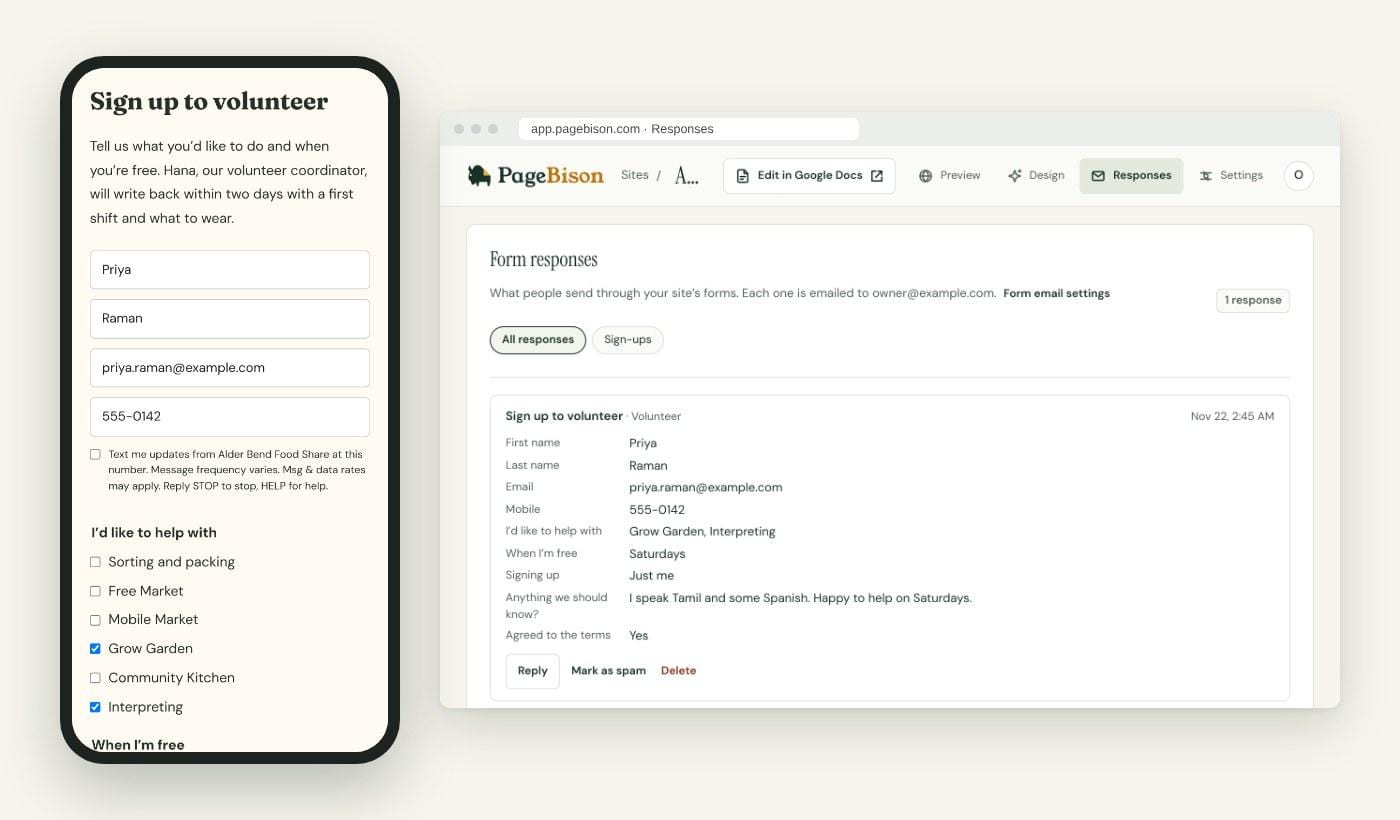
A volunteer fills in the form on your site. Their answers are emailed to the people you choose, such as your volunteer coordinator, and kept in Responses in PageBison. Download every sign-up as a spreadsheet whenever you need the list, and nothing is lost if an email goes astray.
Share the Doc the way you already do. Anyone on it can edit or suggest changes, and nothing goes live until the site's owner publishes.
Give each program its own tab: who it's for, when it meets and how to join. Add a program by adding a tab.
Link a Donate button to Donorbox, Givebutter, Zeffy, PayPal or your own page. PageBison never touches the money, and it checks the link every day.
Every published version is saved, so if a change goes wrong you can restore the one before it.
The words live in a Google Doc your organization keeps, so the site doesn't leave with the volunteer who built it.
Free on yourname.bison.page. $60 a year, or $9 a month, to use your own domain.
Alder Bend Food Share is a made-up community food bank. Its Doc holds the Free Market hours, five programs, a volunteer form with shift choices, events with maps, a Give page and a Spanish page, written as headings, lists and a few small tables.
Copy this list into your Doc and work down it. Each item is a heading or a line, not a design job.
It's free for up to 3 sites on bison.page, with no card needed, and $60 a year or $9 a month for a site on your own domain. Sign in with Google, then pick a Doc you already have, start a new one, or bring your current site.